
Chrome Extension
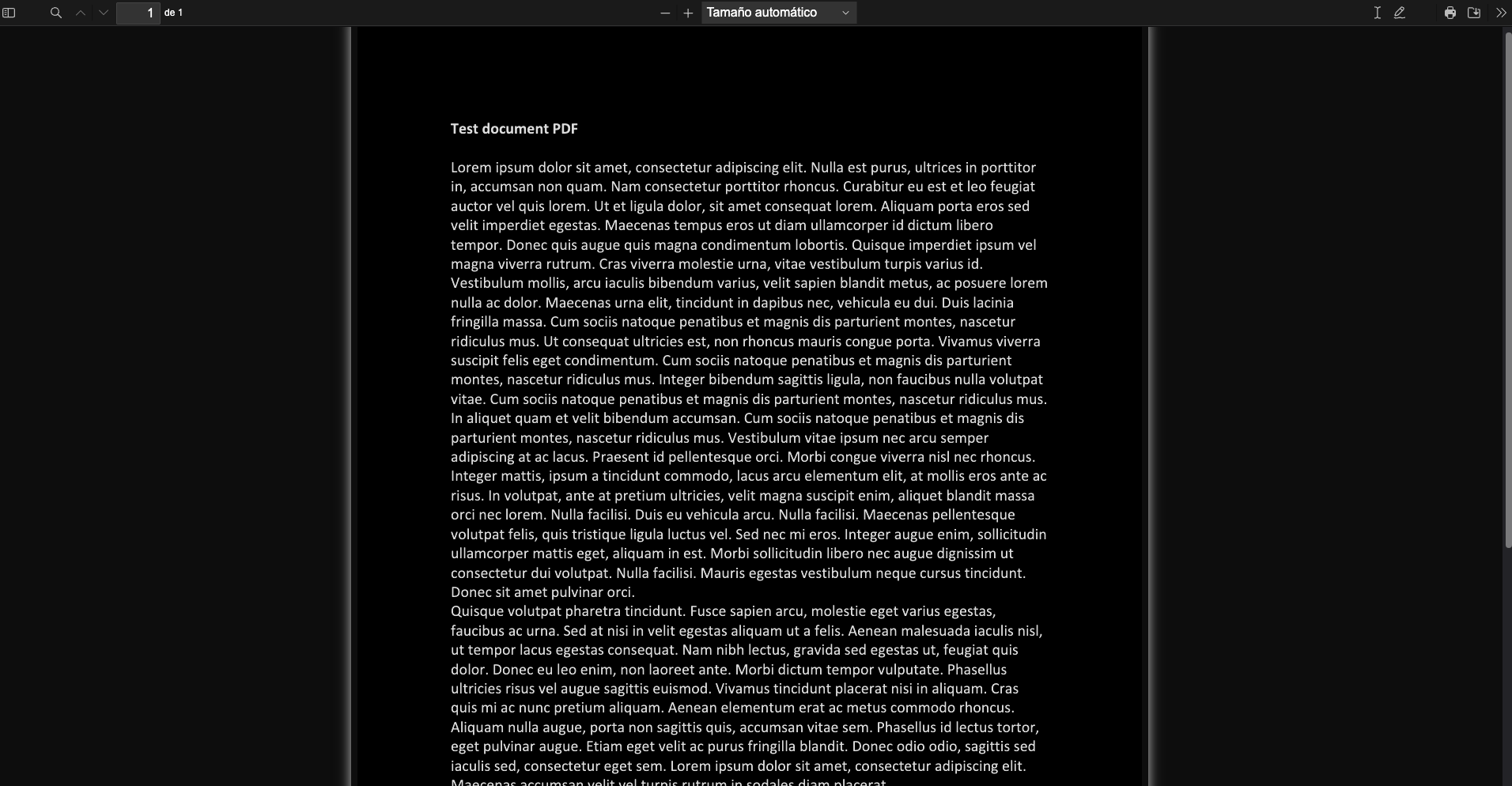
Reading without fatigue.
Transform any PDF in Chrome to dark mode with a single click. No complex settings, just visual comfort.
Scroll
Your privacy comes first
Dark Reader PDF is a private extension. We do not collect data, we do not track your activity, and it works locally in your browser.
Installation & Usage
How to use
1
Open any PDF file directly in your Chrome browser.
2
Click the Dark Reader PDF icon in your extensions bar.
Installation (Developer Mode)
1
Download the ZIP file and unzip it into a local folder.
2
Go to chrome://extensions and enable 'Developer mode' (top right).
3
Click on 'Load unpacked' and select the extension folder.